Before you begin
Who: the tester who placed the order. Network: Kaspa Testnet-10. Tests: TR-07, TR-08, TR-09, TR-11.
You need: Chrome with Kastle on Testnet-10, connected to https://lightsea.io, and an open order of your own: a sell (Guide 6) or a buy at a price (Guide 5).
Both actions start from Your orders, at the bottom of the token's trade page.
1. Change the price (two wallet approvals)
Changing the price cancels your order and places it again at the new price. That is why it takes two approvals in your wallet (test TR-07).
- Press Change price on the order.
- Enter the New price per tonne (KAS).
- Press Save price.
- Approve both requests in your wallet: first the cancel, then the new order.
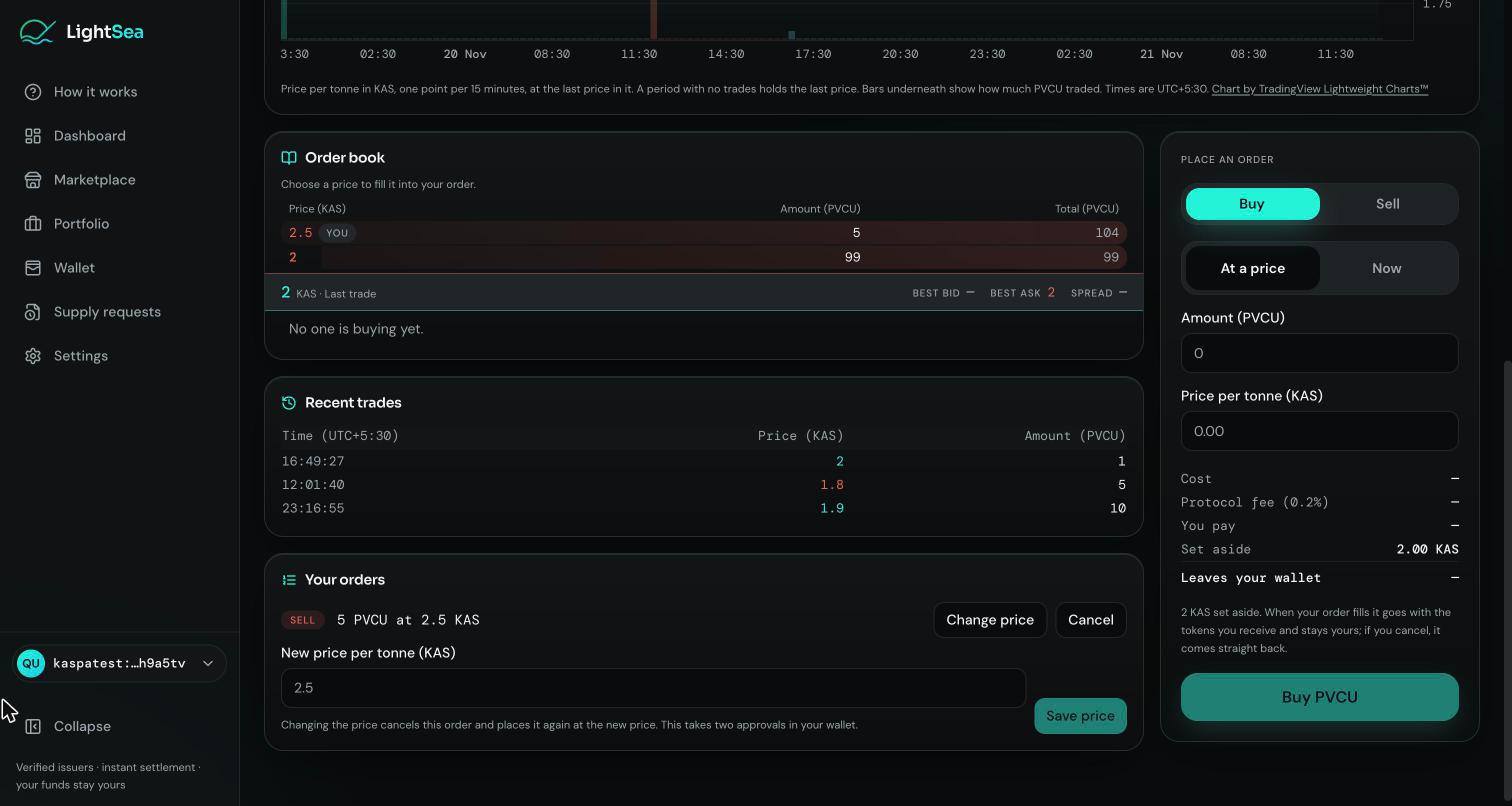
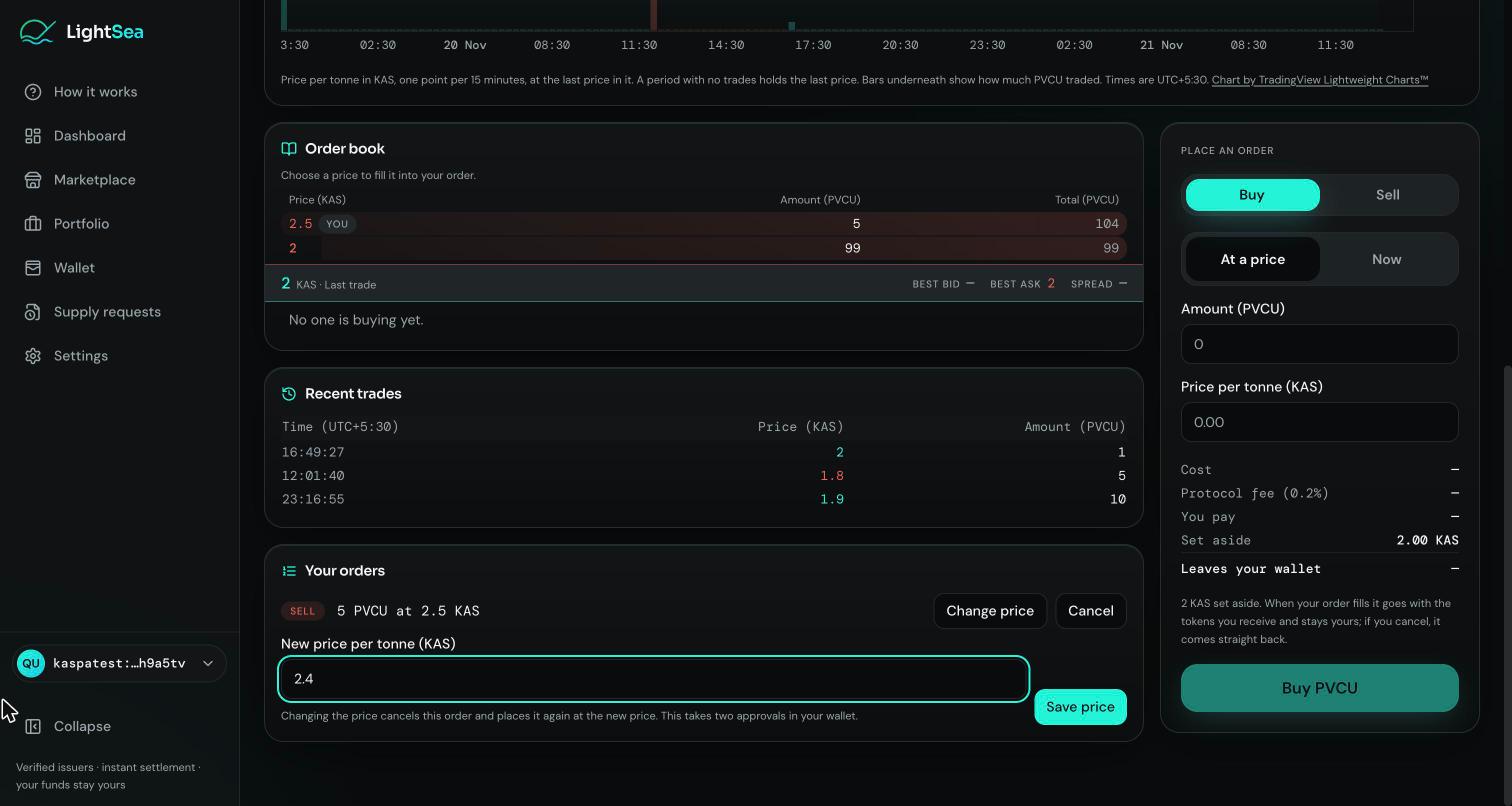
Within a few seconds, the Order book and Your orders show the new price.
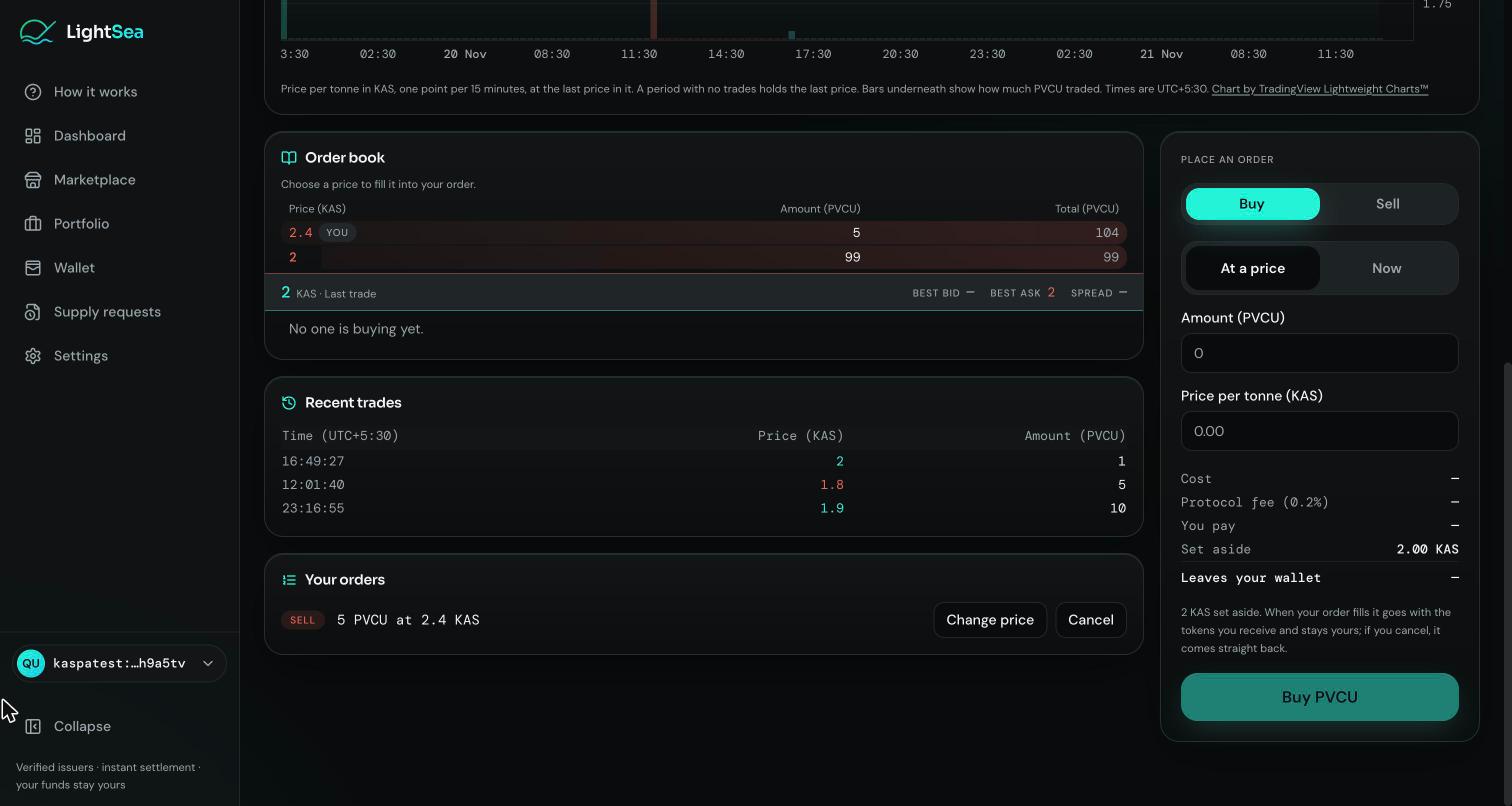
2. Cancel (one wallet approval)
Test TR-08 cancels a sell; test TR-09 cancels a buy.
- Press Cancel on the order.
- Approve the request in your wallet.
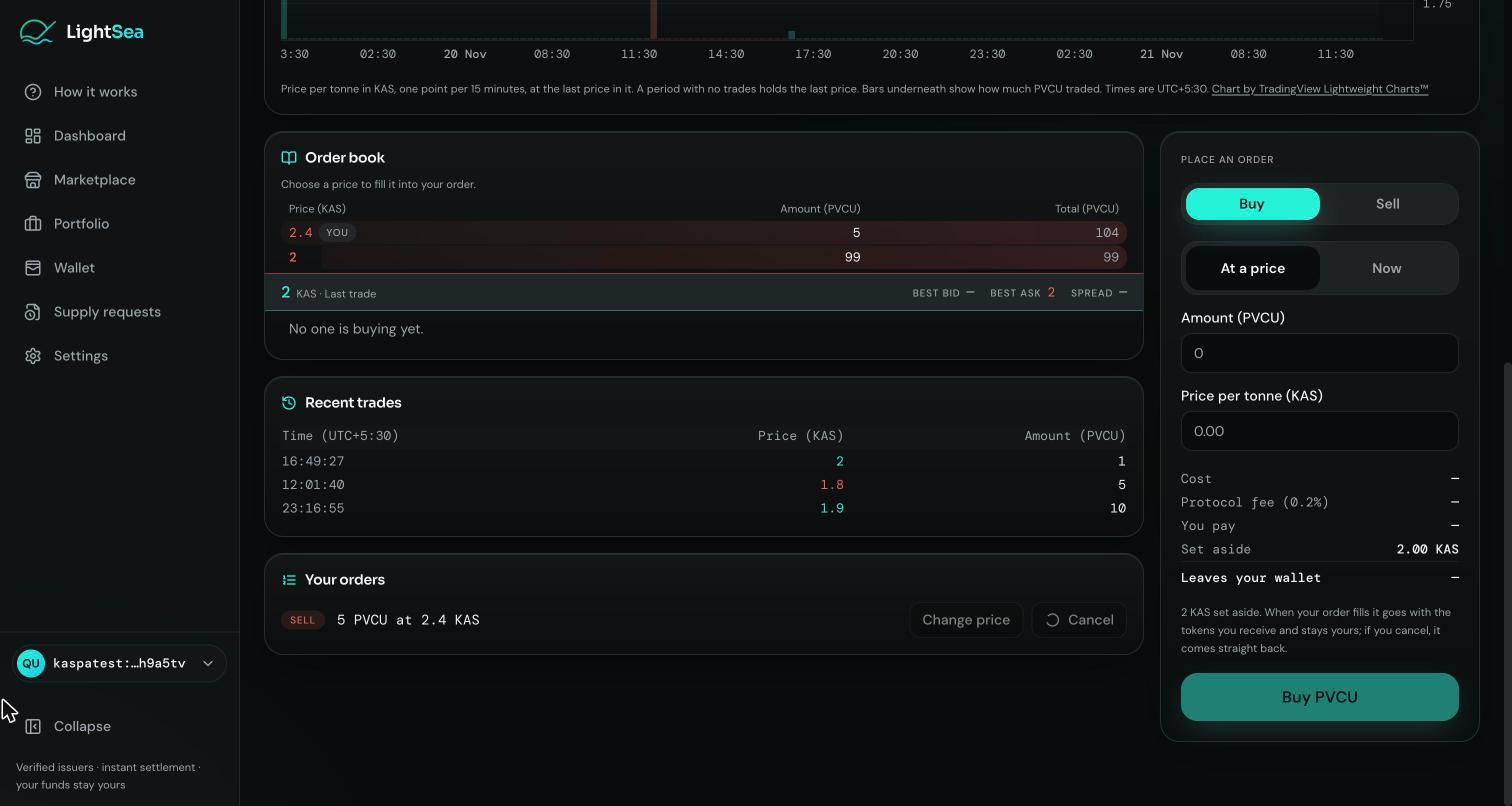
The order leaves the book. Your orders says "You have no open orders for PVCU." (with your token's name).
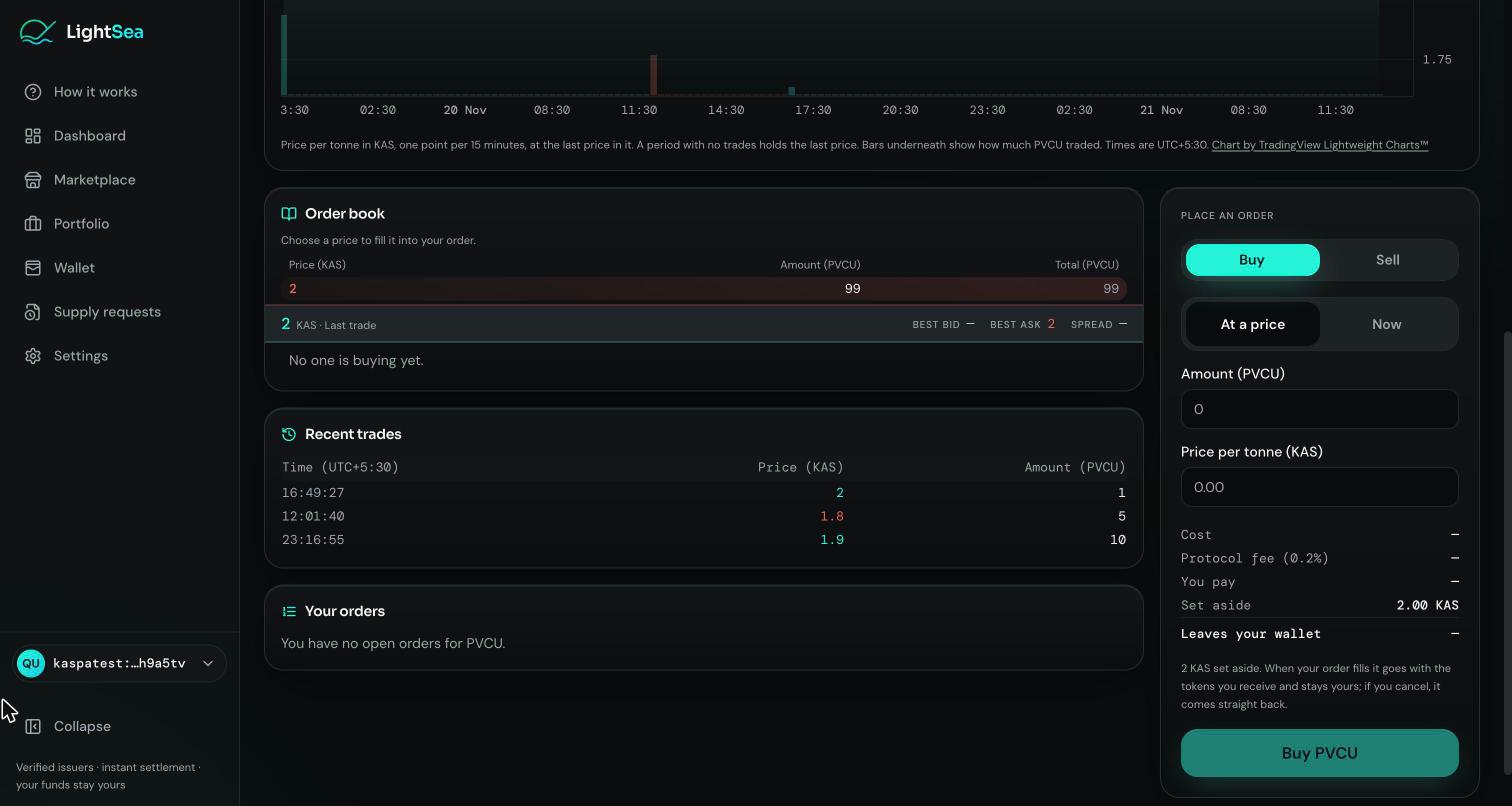
What comes back:
- your tokens (for a sell) or your KAS (for a buy);
- the KAS that was set aside, less the small network fee for the cancel.
If an order expires, or a Now order isn't filled, ProMEX sends everything back in full and pays that network fee itself.
Wallet › On-chain transactions shows each step as a change in your balance.
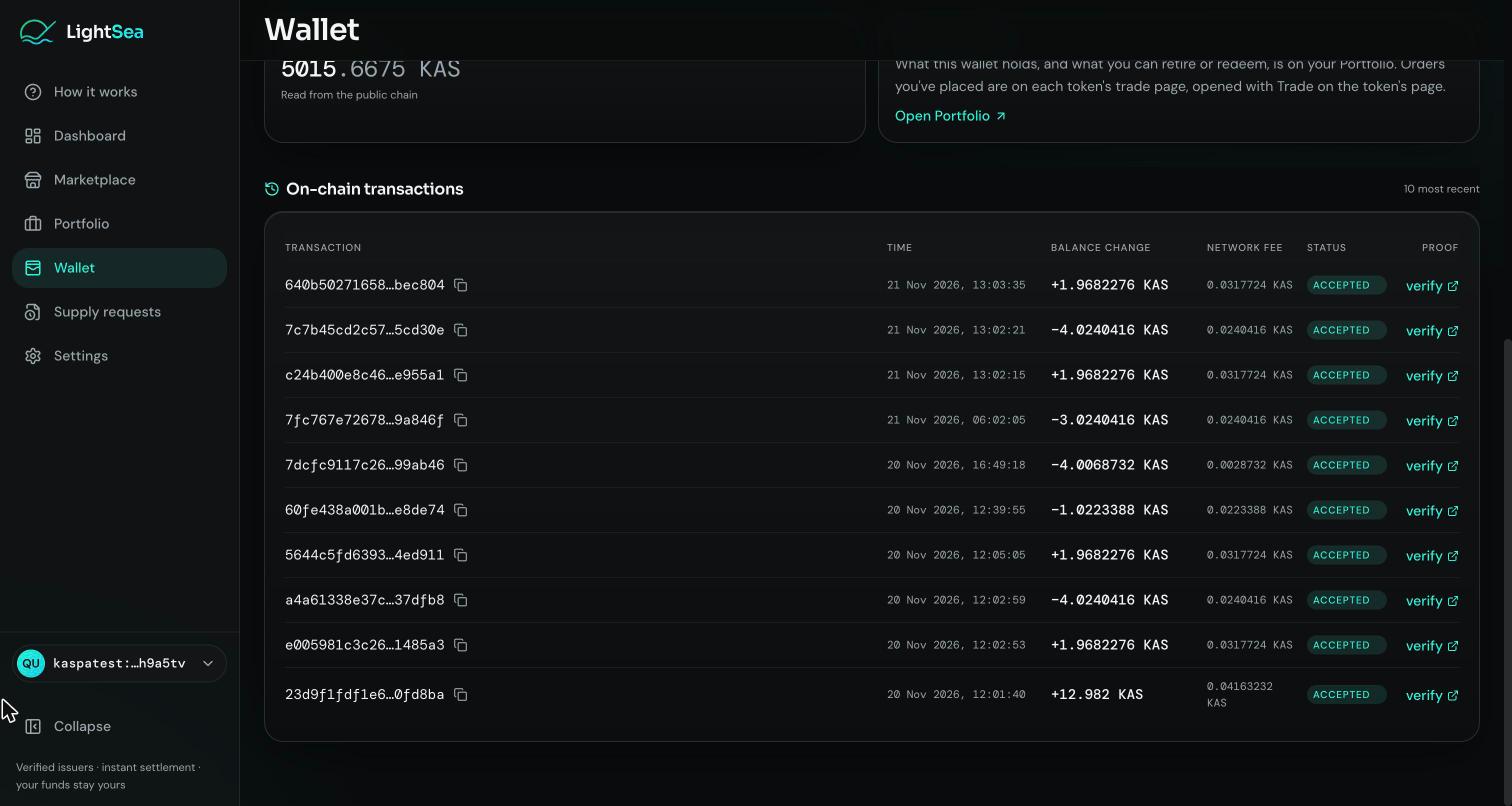
Known issue F36: a sell sets aside 4 KAS. When you cancel, 2 KAS come back as KAS you can spend, and 2 KAS come back attached to the returned tokens. If you place and cancel again and again, your tokens split into pieces, each carrying some KAS. A "Combine" action that merges them and frees the KAS is planned. When you test, write down your KAS and token balances before and after.