Before you begin
Who: two different ProMEX approvers, each with their own registered approver key. Where: https://admin.lightsea.io › Deposits. Tests: SM-09 to SM-12, PT-03.
You need: an approver account on the dashboard (Guide 0 step 7). Your approver key registered in the dashboard's Settings (Guide 9), and the wallet that holds it. A deposit that a reviewer has recommended (Guide 2).
Minting means creating new tokens. A recommended deposit becomes tokens only when two of the token's three approver keys sign the same transaction. Your approver key is the wallet you registered in Settings.
- The first signature is saved. The second one sends the mint to Kaspa.
- Nobody can mint alone.
- The dashboard refuses to mint while the reserves don't reconcile, that is, while the tokens on Kaspa and the tonnes at the registry don't agree.
1. Find the recommended deposit
- Open Deposits.
- Open the To mint tab. It lists the deposits a reviewer has recommended.
The Minted tab keeps the history. Check that the count on each tab matches its list (test PT-03).
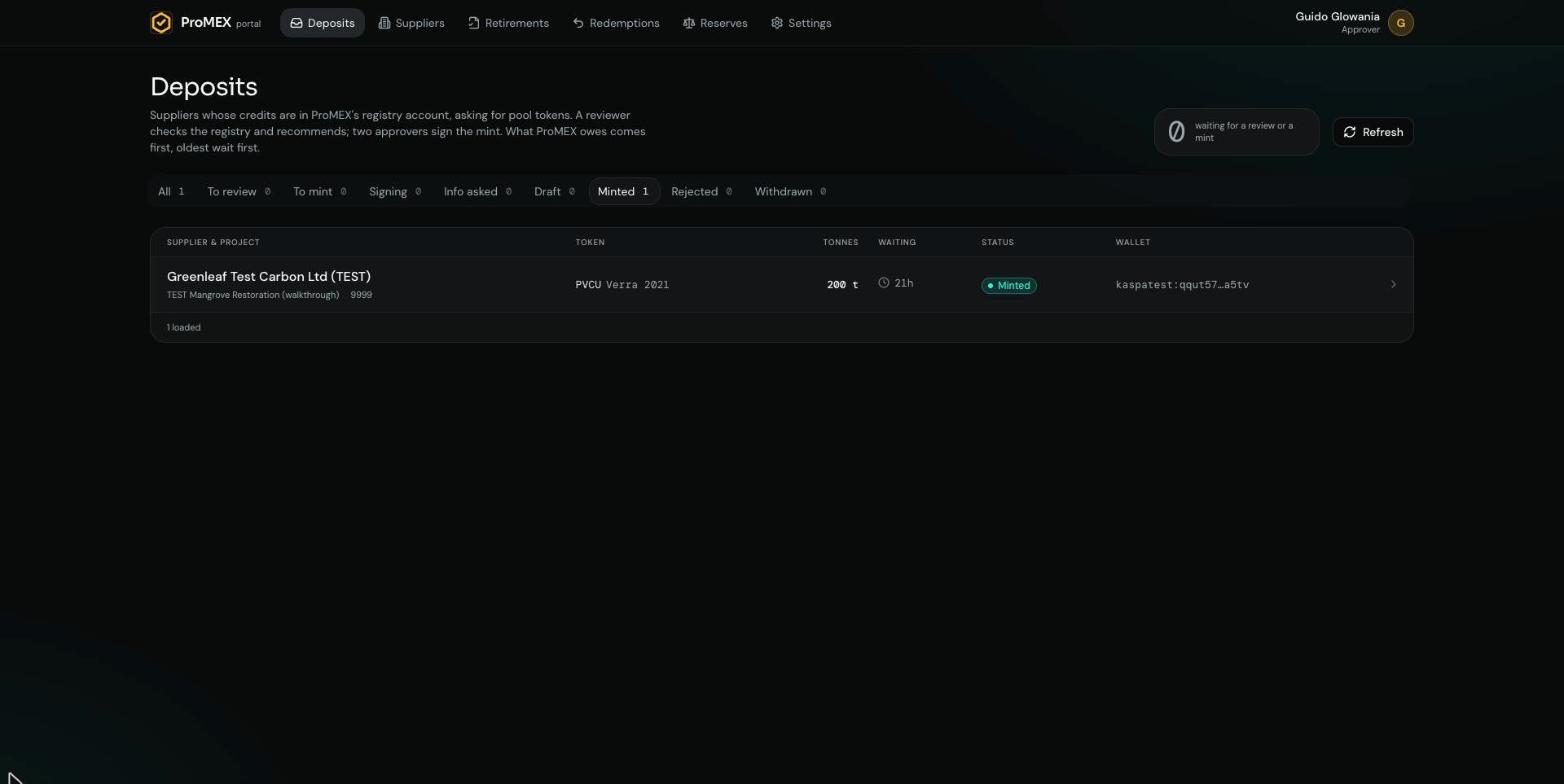
To see what a finished mint looks like, open a deposit under Minted.
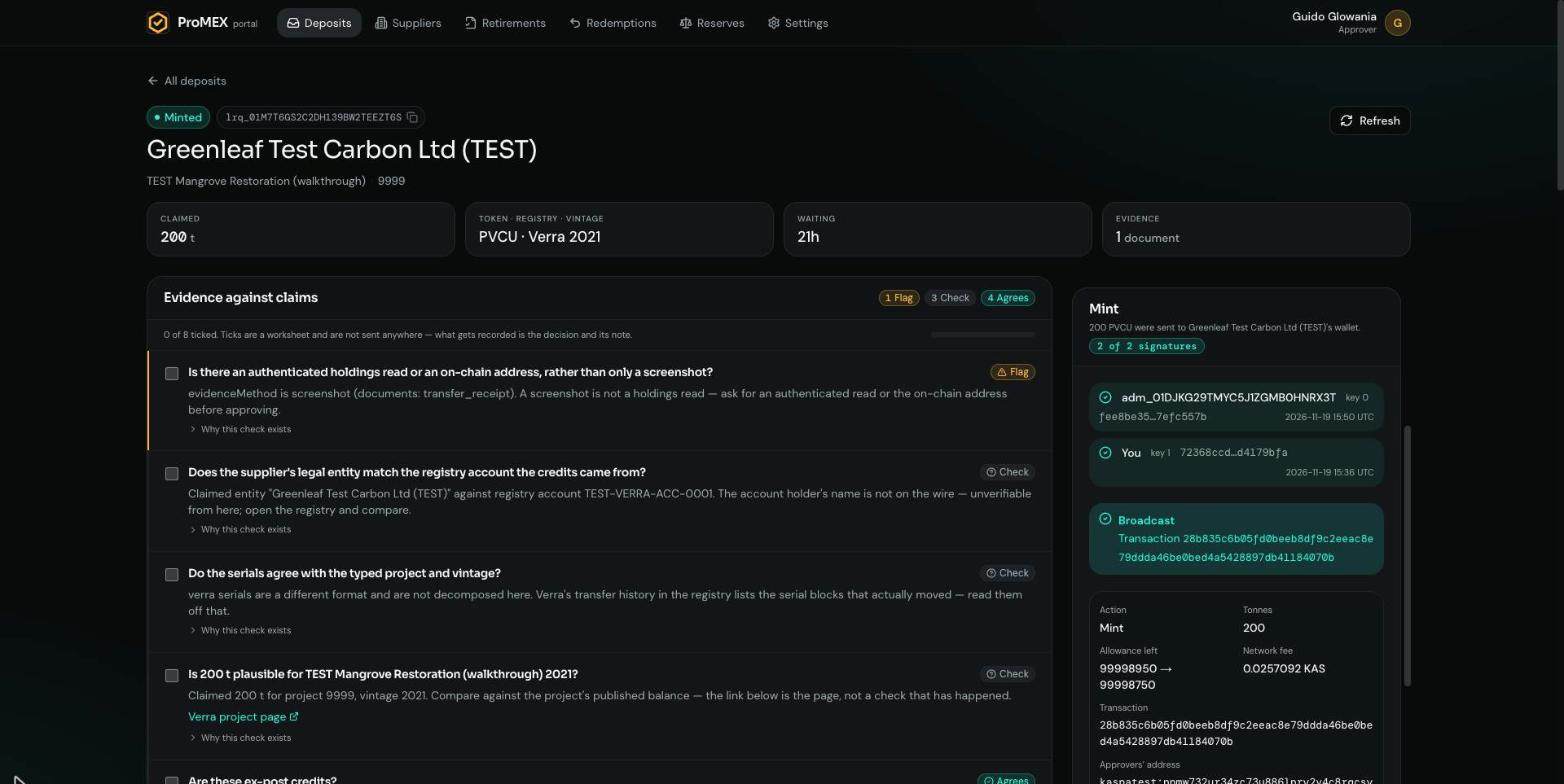
2. Prepare the mint (any approver)
- Open the deposit.
- Read the Mint panel. It says what will be minted and to whom.
- Press Prepare the mint.
The transaction is built and shown for you to check. Nothing is signed or sent yet.
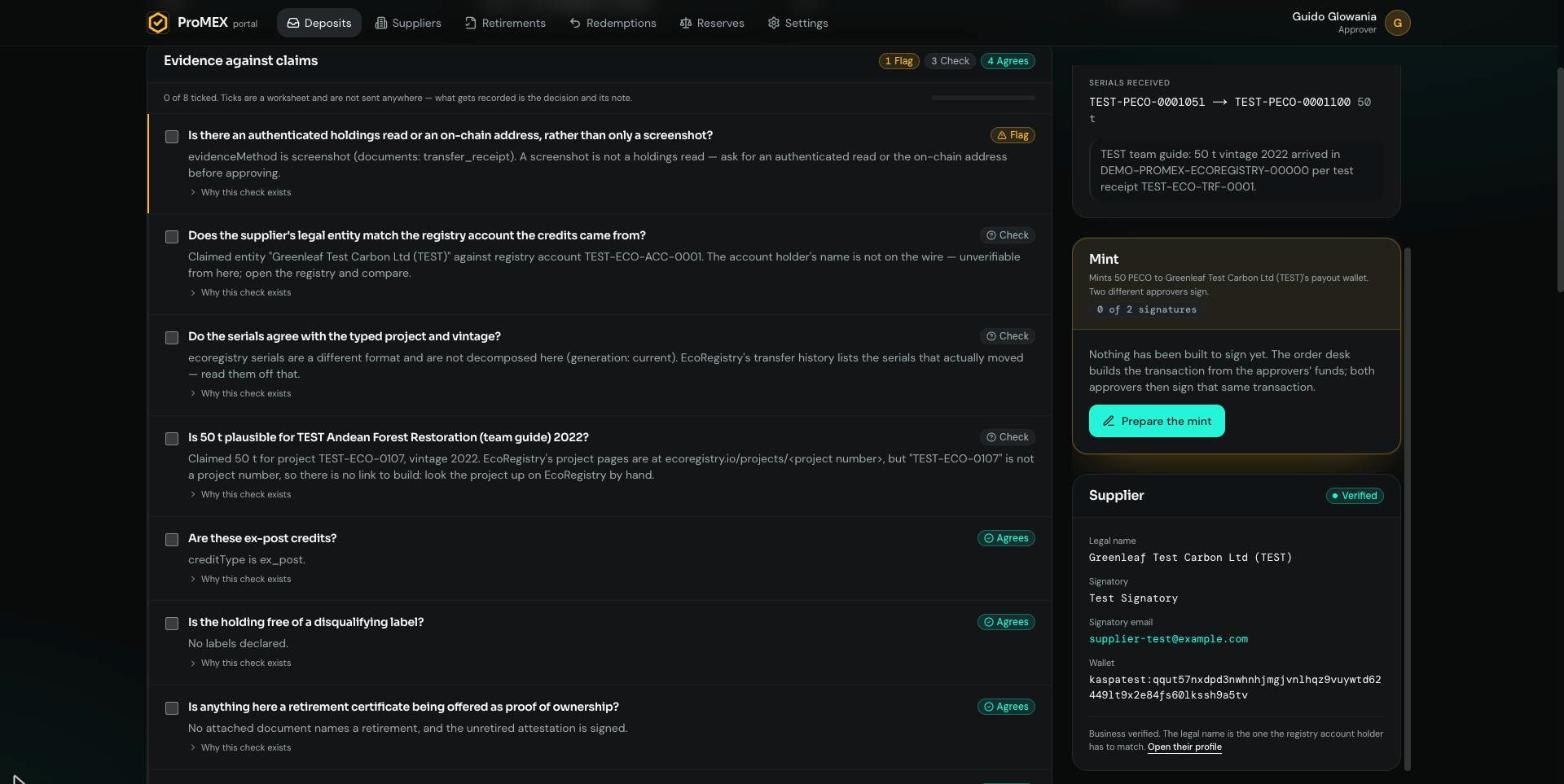
3. Check the transaction before you sign
The Mint panel now shows the transaction:
- Action, Tonnes, Allowance left (how many tokens can still be minted), Network fee, Transaction (its id) and Approvers' address;
- Inputs (what the transaction uses) and Outputs (where everything goes).
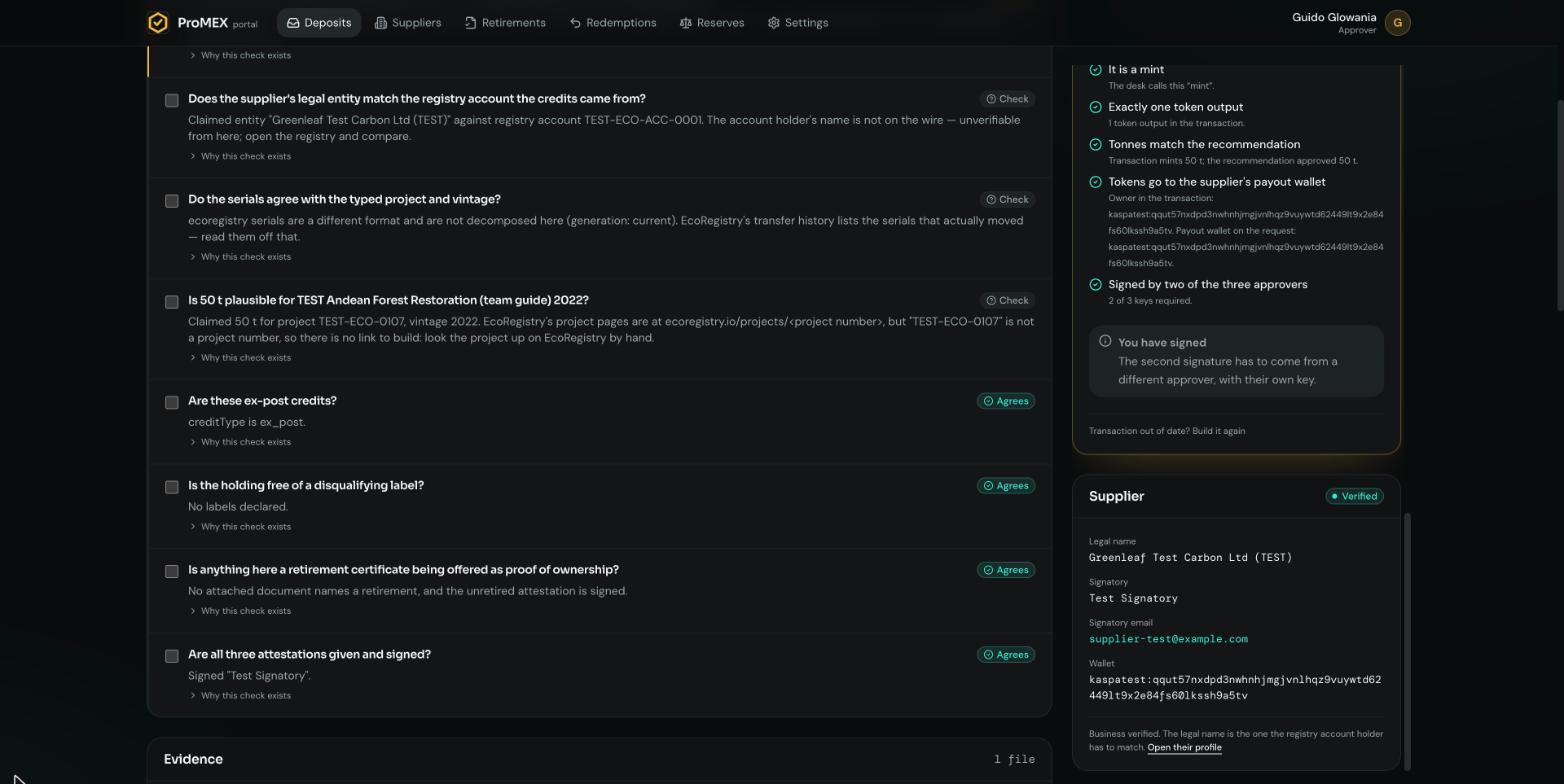
Below them are four checks. All four must be ticked before you sign:
- It is a mint
- Exactly one token output
- Tonnes match the recommendation
- Tokens go to the supplier's payout wallet: the address in the transaction must equal the payout address on the request.
The line under them, Signed by two of the three approvers, says 2 of 3 keys are required.
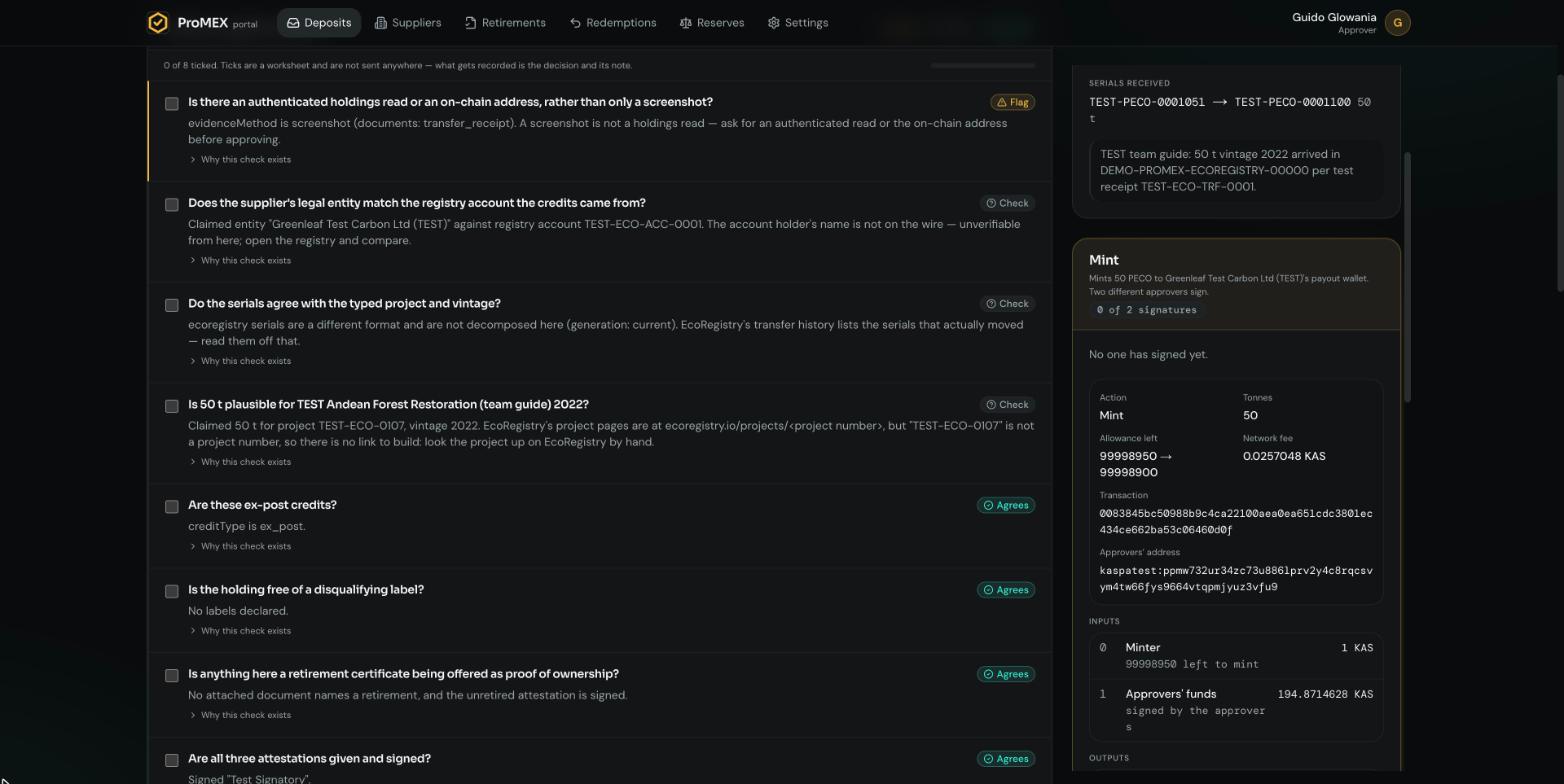


If any check is not ticked, do not sign.
4. First approver signs
- Scroll to You sign as approver key N (N is your key's number).
- Choose Sign with a wallet.
- Press Kastle (or KasWare / Kaspire).
- Approve the request in your wallet.
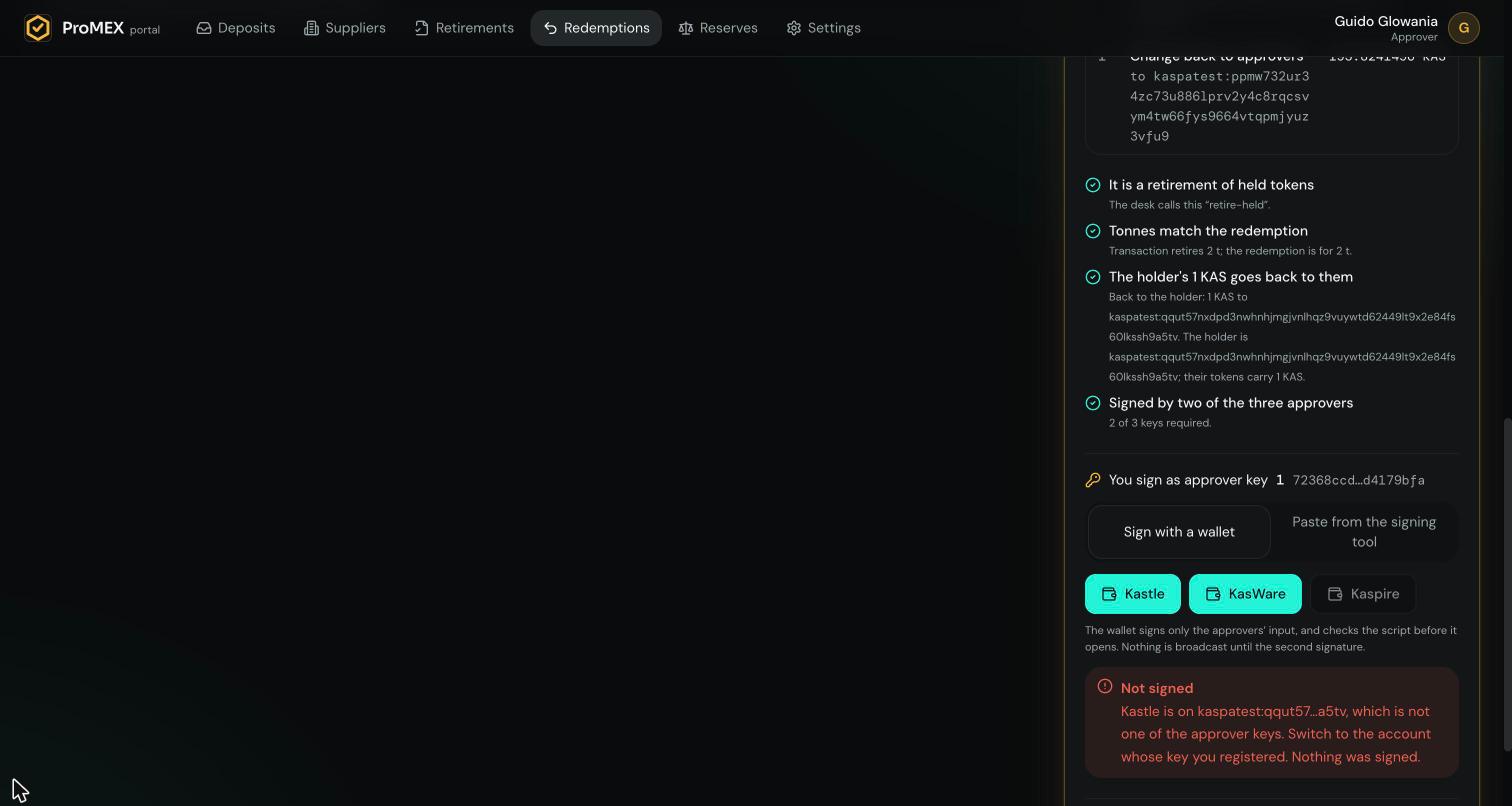
Your wallet signs only the approvers' part of the transaction (Approvers' funds). Use the wallet whose key you registered in Settings. Any other wallet is refused before anything is signed.
What you should see after approving: You have signed.
What to check
SM-10: repeat a whole mint with KasWare as one approver's wallet, then with Kaspire. The result is the same as with Kastle.
5. Second approver signs: the mint is sent
- A different approver opens the same deposit.
- They check the transaction (step 3).
- They sign the same transaction (step 4).
Their signature sends the mint to Kaspa. What you should see:
- the panel shows 2 of 2 signatures;
- Broadcast (sent to Kaspa), with the transaction id;
- the deposit moves to Minted.
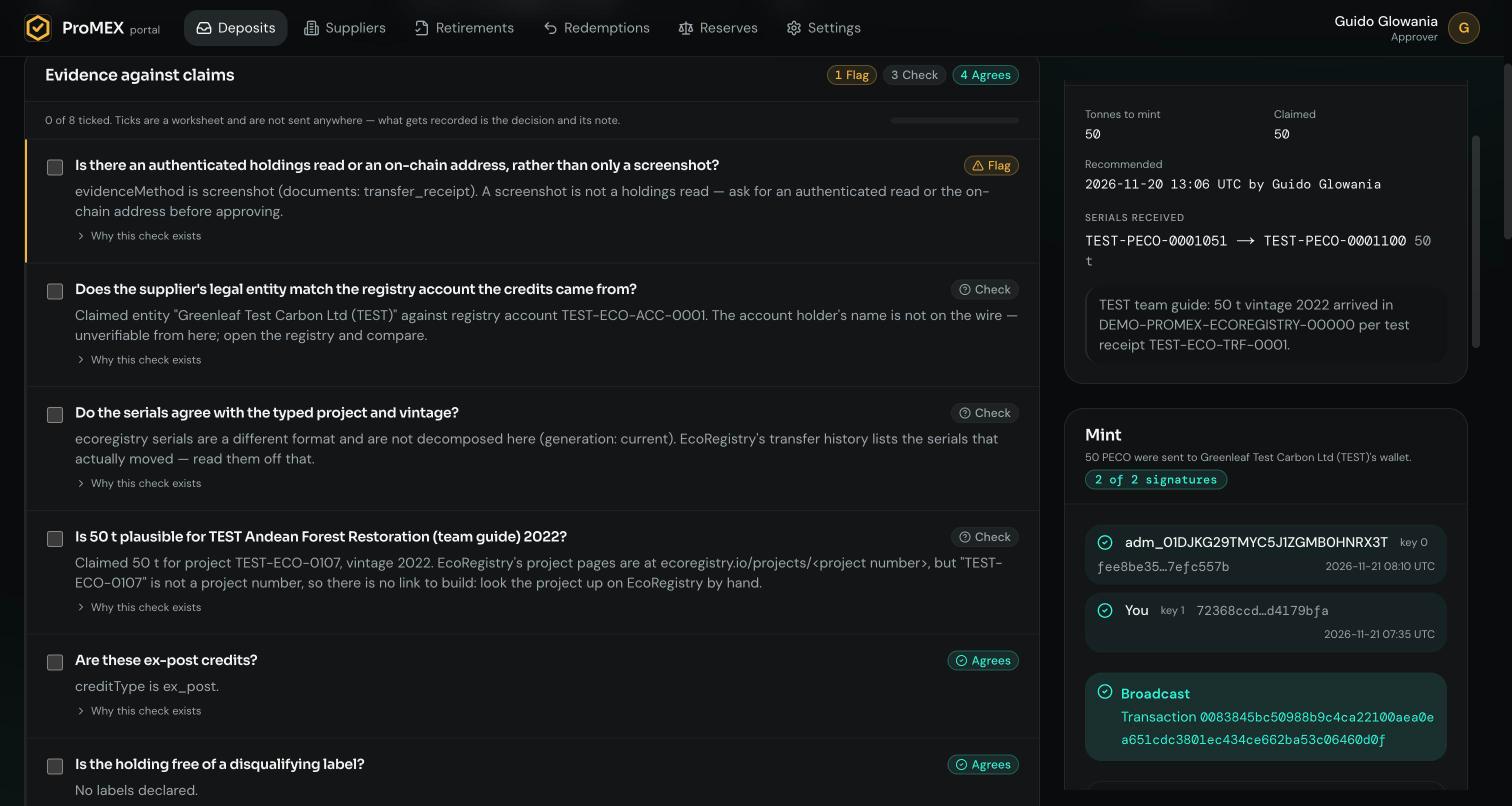
Known issue F31: the signature list can show a long account code instead of the person's name.
What to check
SM-09: after the second signature, the deposit shows Minted, the supplier sees Tokens sent, and the tokens arrive in the supplier's wallet.
What to check
SM-12: the first approver tries to sign the same mint again, from the same account. It is refused: the second signature must come from a different approver.
6. What the supplier sees
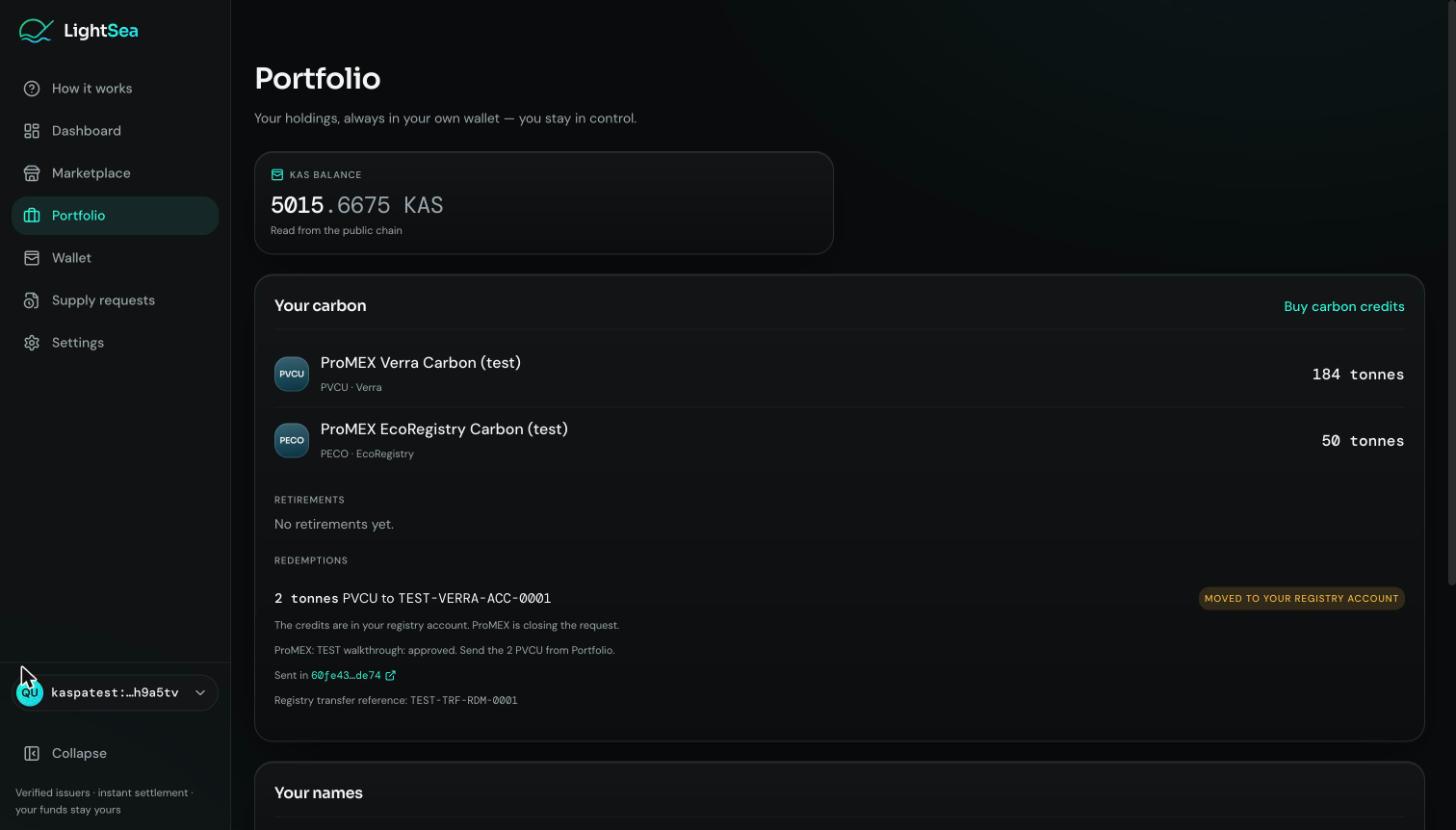
The supplier's request shows Tokens sent, with the transaction. The tokens appear in their Portfolio within about a minute.
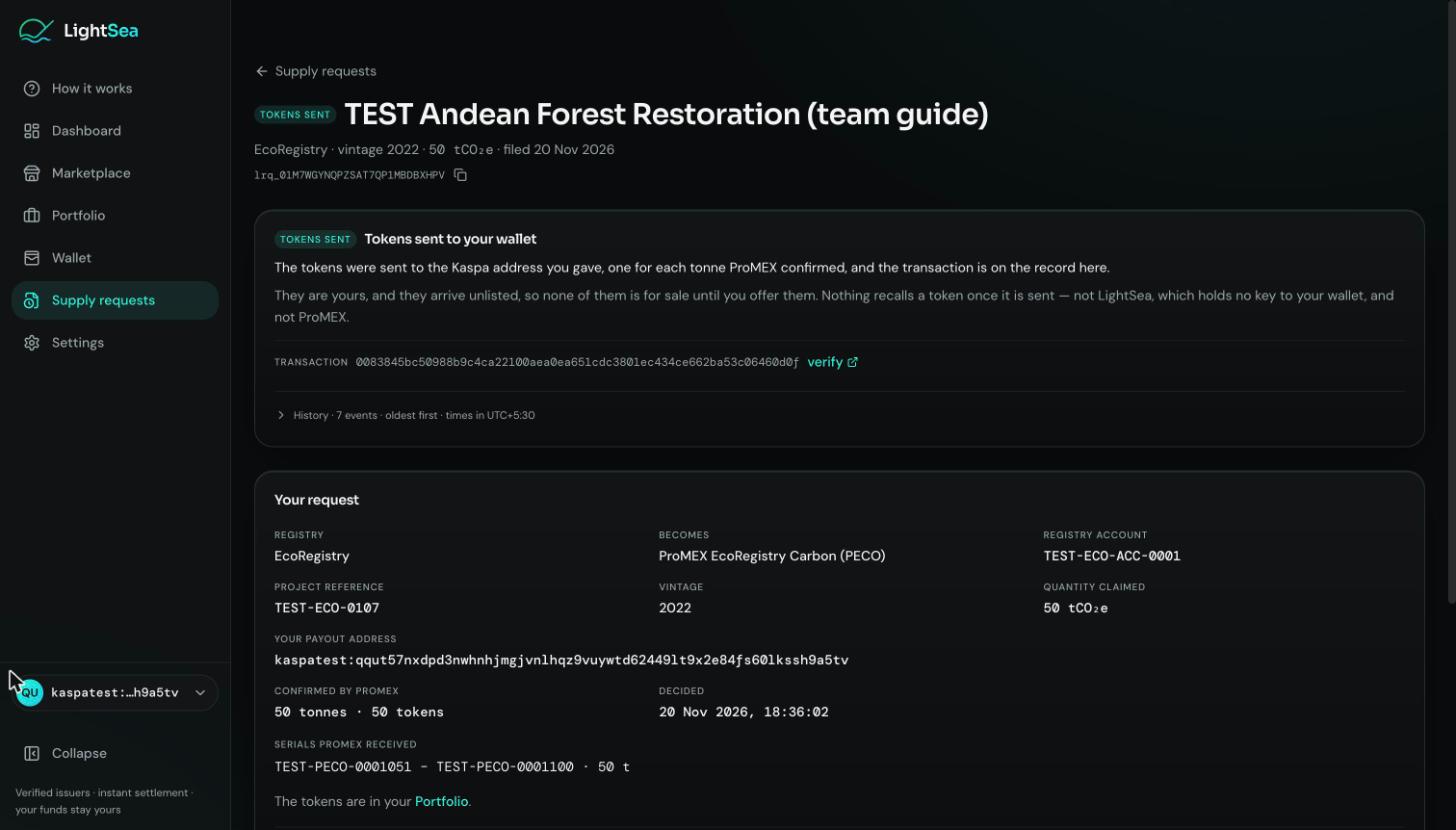
Supply and reserves update on their own. In this example, PECO went from 1,050 to 1,100 tonnes in circulation, and the reserves still reconciled: 1,100 on Kaspa = 1,100 at the registry.